Manage Orders
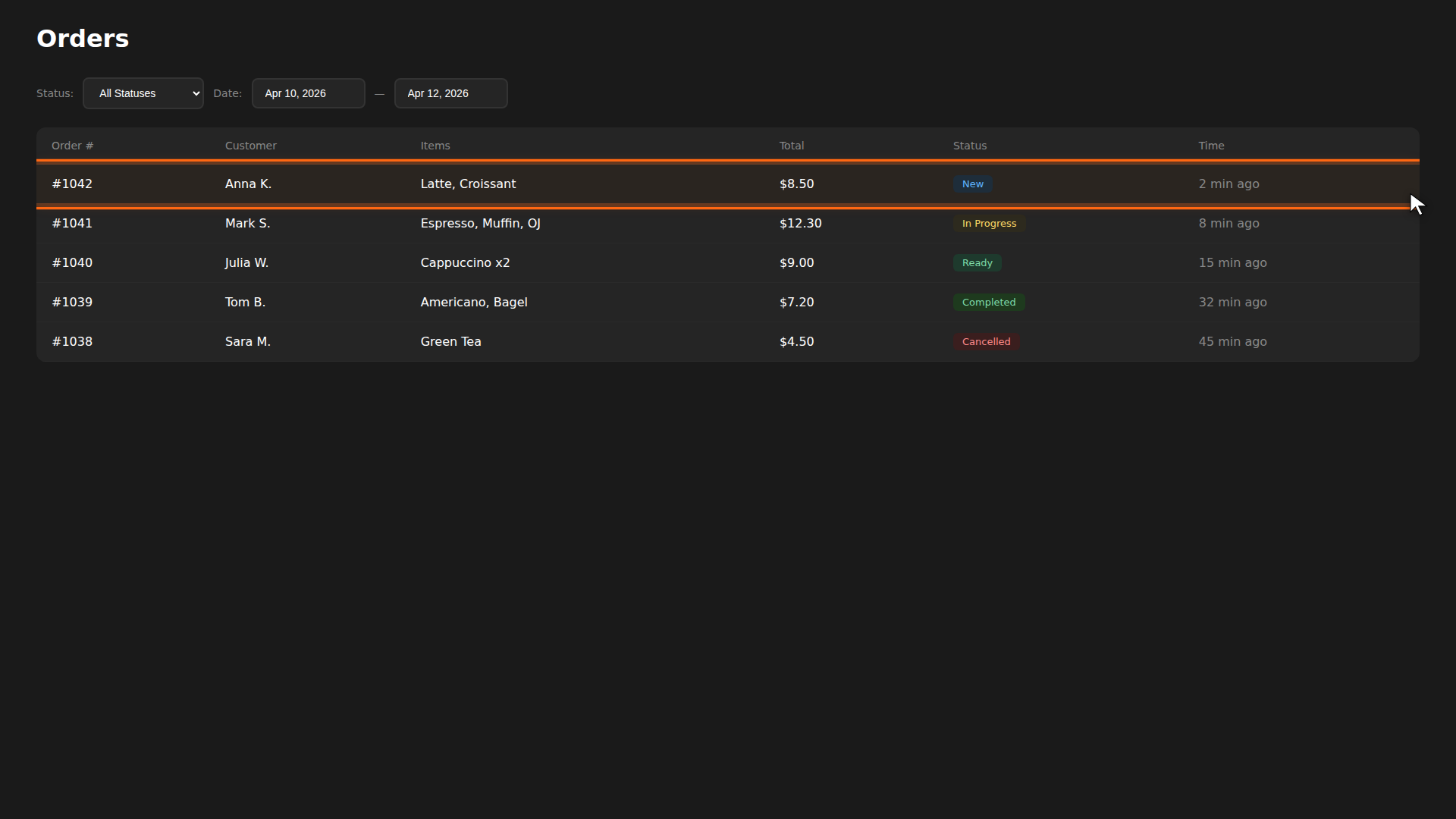
The Orders page is your central hub for tracking every order that comes in. You can filter by status, view full details, change statuses, and see how vouchers affect pricing.
Build it for real
Ready to build it?
Opens the right CRM screen with this help page attached.
Related
- Order Statuses — full reference of every status and its meaning
- Kitchen Display — real-time view for kitchen staff
- Receiving Orders — how incoming orders appear