Customer Chat
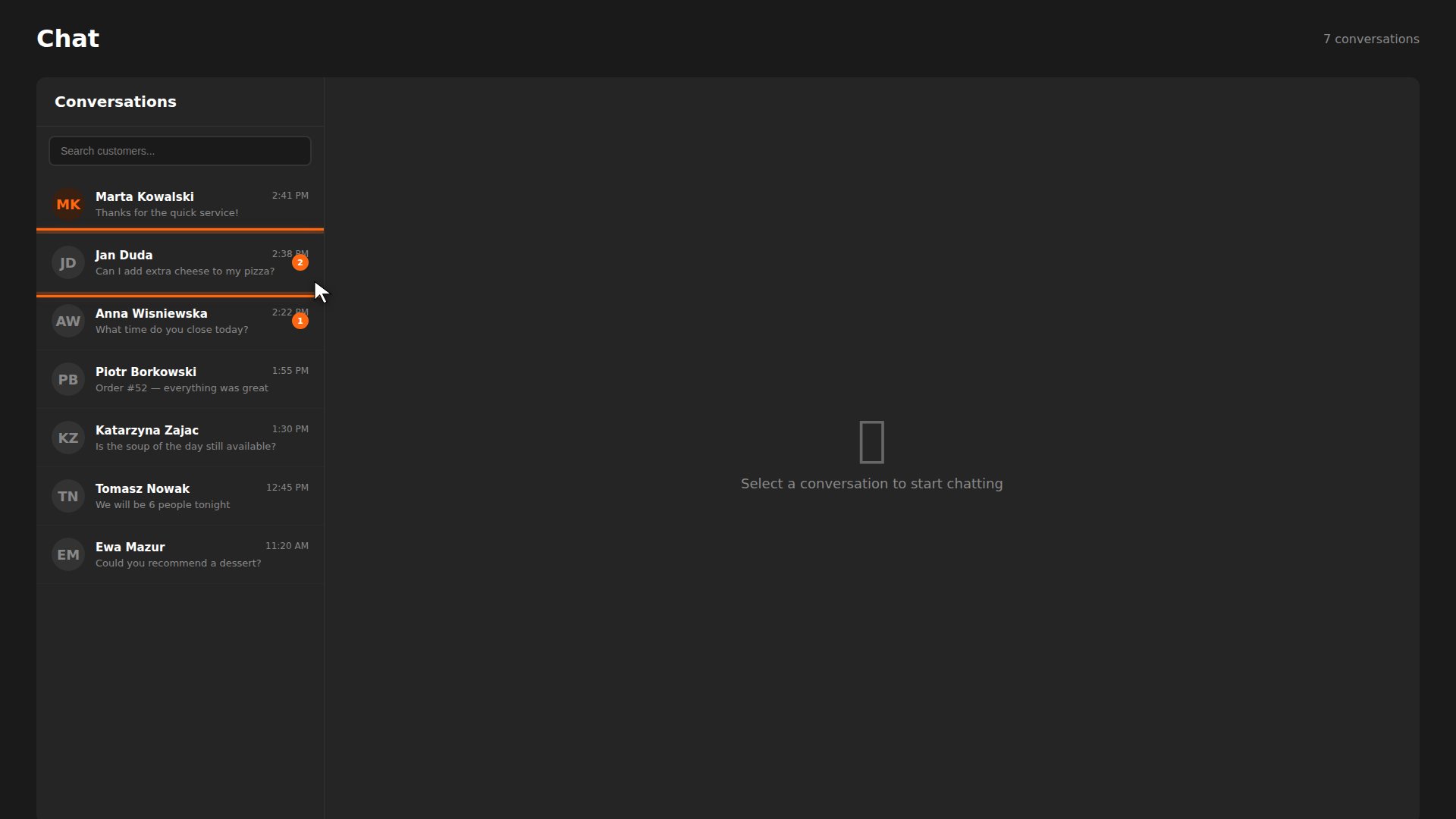
The chat page lets you message customers directly from the CRM. You can answer menu questions, send order updates, and resolve issues without leaving your screen. Every conversation is saved so you always have context.
Build it for real
Ready to build it?
Opens the right CRM screen with this help page attached.
Tips
- Unread badges help you prioritize — always check conversations with orange badges first.
- Use chat for order updates — a quick "your food is ready" message saves a walk across the floor.
- Check the profile before replying — knowing a customer's order history helps you give better answers.
- Give Points from chat — you can reward loyalty without leaving the conversation.