Create Your First Voucher
A voucher is a reward your customers can redeem — a free latte, 15% off their next order, or a birthday gift. This walkthrough shows you how to create one in under a minute.
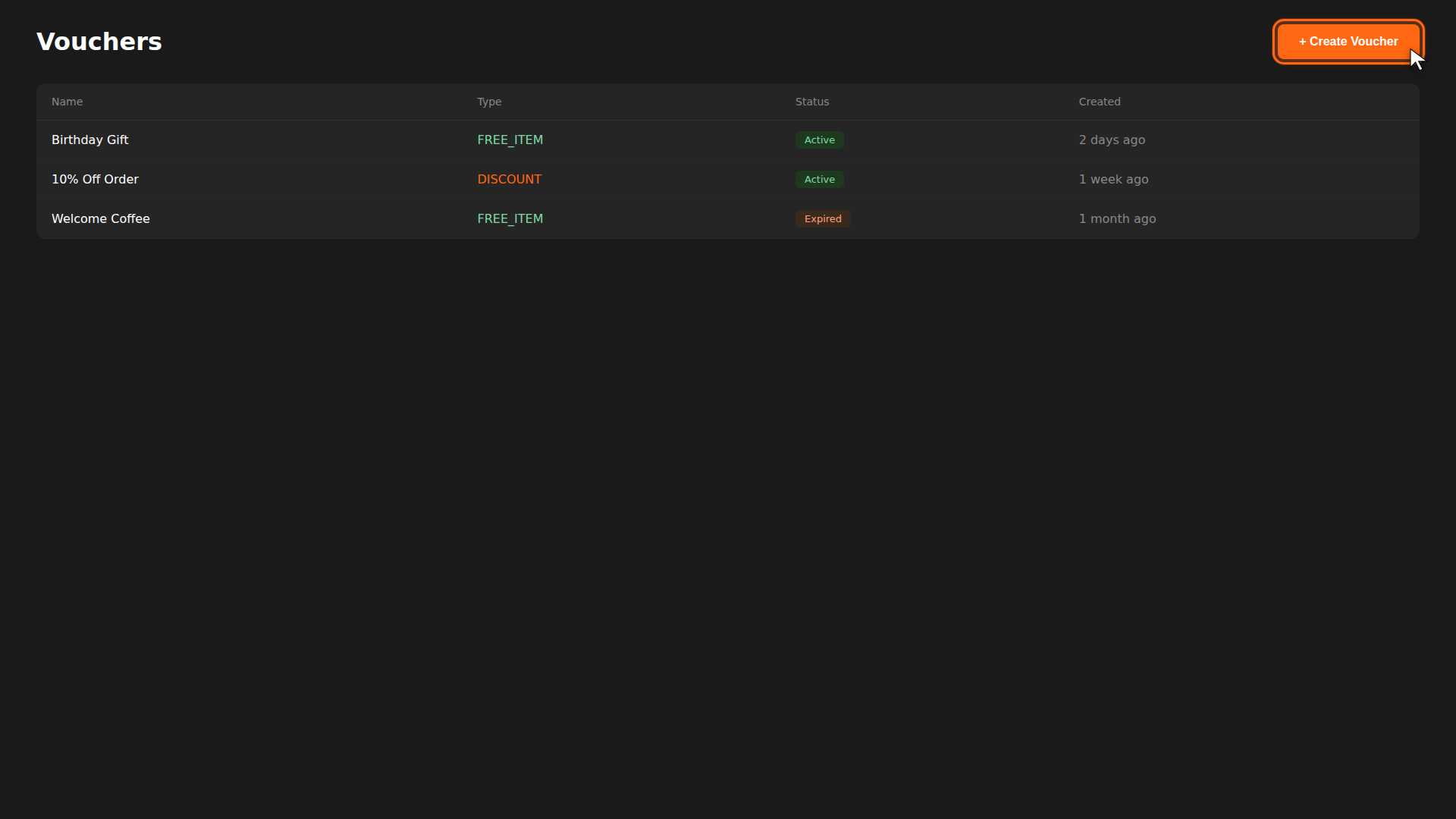
Try it yourself
Use the interactive preview below to experiment with voucher settings — change the type, adjust the expiry, and see how it looks in the customer's wallet.
INTERACTIVE · VOUCHER PREVIEW
Build a voucher
YOUR WALLET
Free Latte
30 days left
Tap to use →
How vouchers move through states
Every voucher your customer holds progresses through four states:
- AVAILABLE — the voucher exists in the customer's wallet.
- SELECTED — the customer has tapped it, but hasn't placed an order yet.
- PENDING — the voucher is attached to an in-progress order.
- USED — the order is paid, the voucher is consumed.
Build it for real
Ready to build it?
Opens the right CRM screen with this help page attached.
Reference
For full field-by-field details, see the Vouchers Reference.