Create Your First Challenge
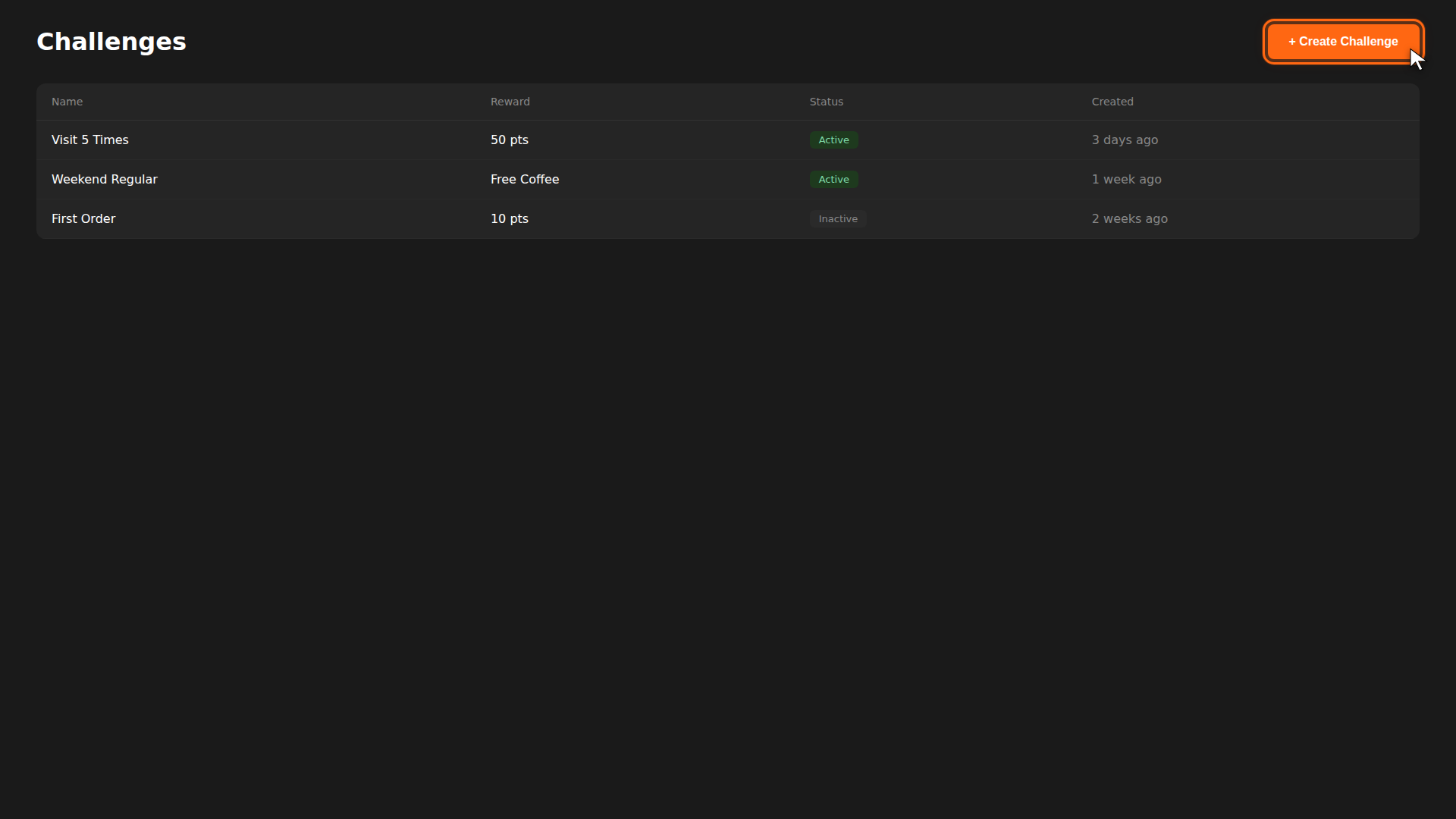
A challenge motivates customers to take repeated actions — like visiting 5 times or ordering on weekends — in exchange for a reward. Here's how to create one.
Build it for real
Ready to build it?
Opens the right CRM screen with this help page attached.
Reference
For full details, see the Challenges Reference.