Set Up Reward Wheels
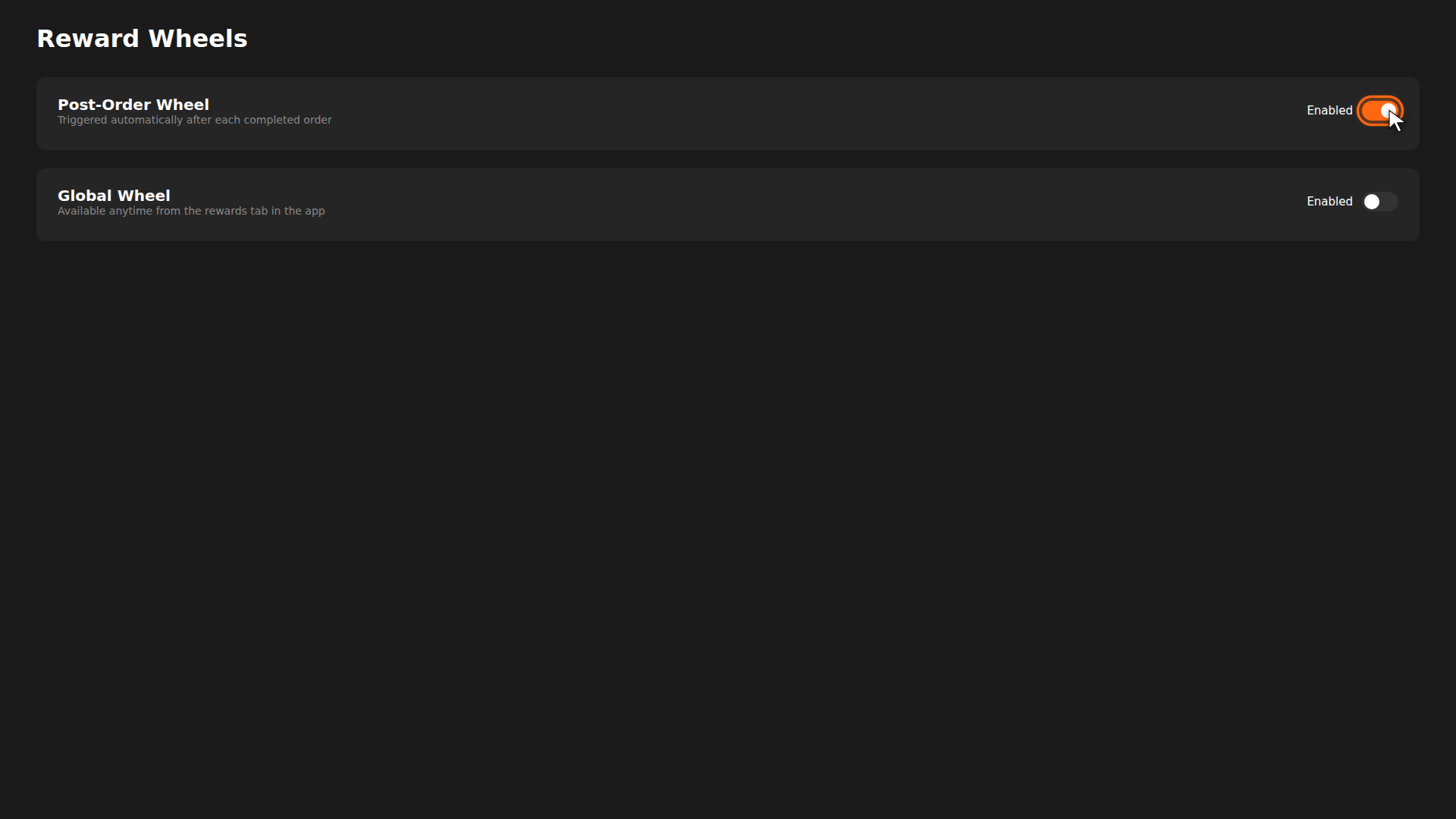
A reward wheel lets customers spin for a prize after completing an order. You define the segments (points, vouchers, or "better luck next time") and their probabilities. It adds an element of excitement to every purchase.
Build it for real
Ready to build it?
Opens the right CRM screen with this help page attached.
Tips
- Balance excitement and cost — keep high-value rewards (vouchers) at low probability and points/nothing at higher probability.
- "Better Luck" segments make wins feel more special. A 20% nothing slot is a good starting point.
- Every customer sees the wheel after an order when the Post-Order Wheel is active — it's great for engagement.