Merchant Settings
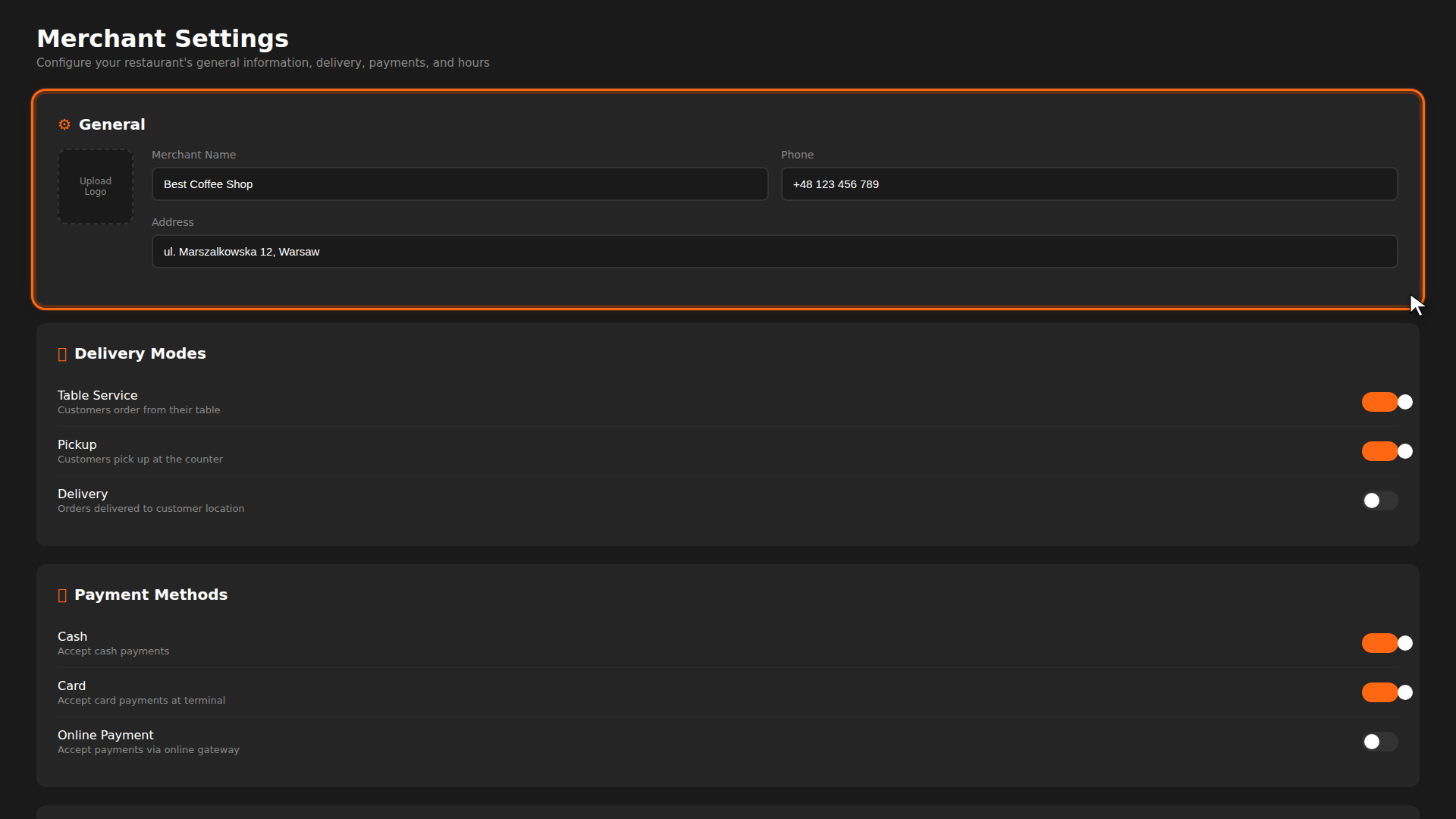
The Settings page is where you configure the fundamentals of your restaurant on OtoPoint — your name and logo, which delivery modes customers can choose, which payment methods you accept, and when you are open. Getting these right ensures customers see accurate information and can only select options you actually support.
Quick tips
- Delivery modes are global — they apply to all printers. Individual printers can further restrict delivery options (e.g. a terrace printer may only allow Table Service).
- Payment methods affect checkout — disabling a method removes it from the customer's checkout flow immediately.
- Working hours are informational — they are shown to customers but do not currently block ordering outside those times.
Build it for real
Ready to build it?
Opens the right CRM screen with this help page attached.