Manage Your Team
Before your restaurant can run smoothly on OtoPoint, you need to invite your staff and give each person the right role. Roles control what each team member can see and do in the CRM — owners have full access, while waiters and kitchen staff see only what they need.
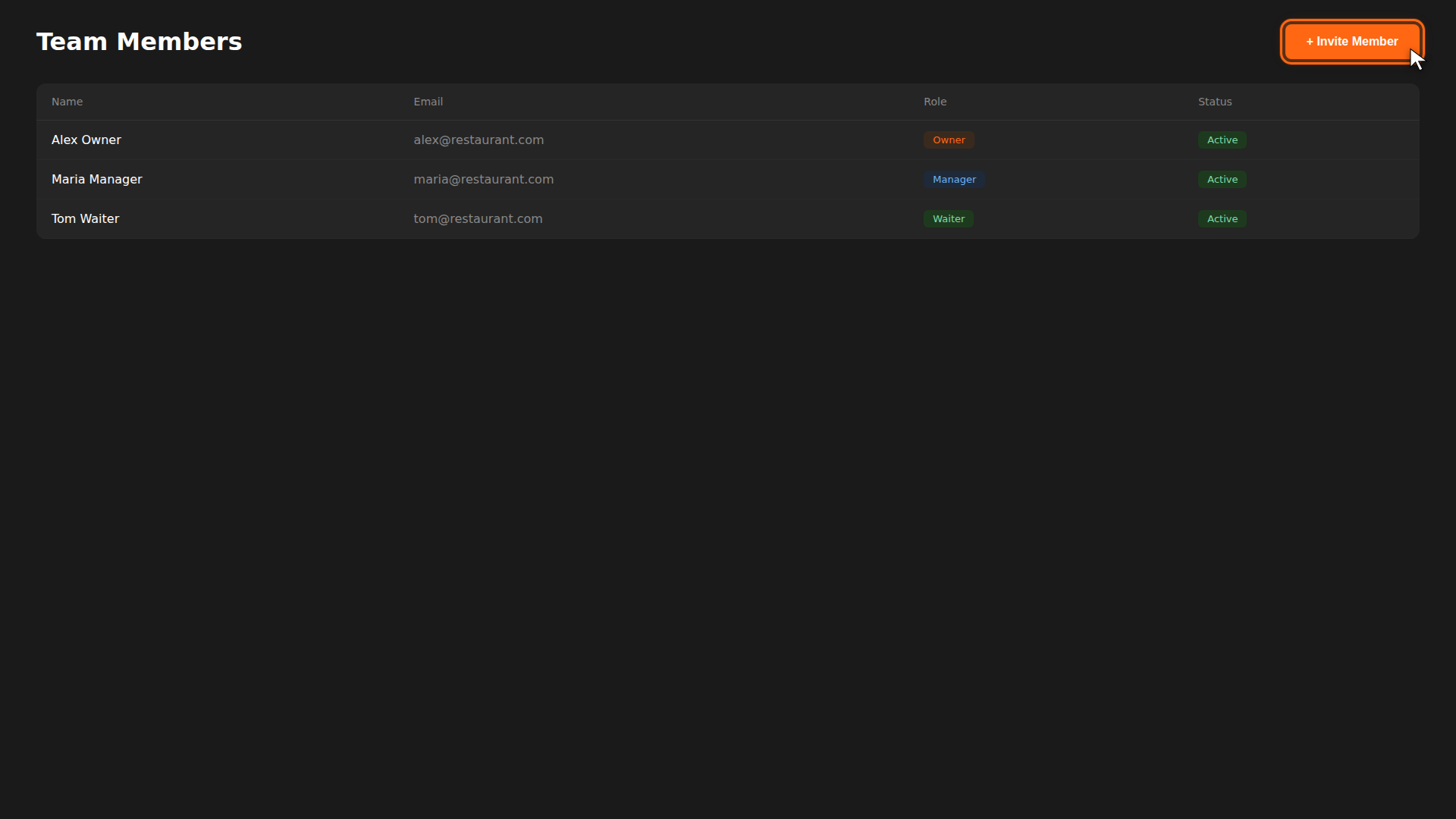
Roles at a glance
| Role | Access |
|---|---|
| Owner | Full access — settings, billing, team management |
| Manager | Orders, menu, printers, loyalty features |
| Waiter | Orders, table view, basic actions |
| Kitchen | Kitchen display only |
Build it for real
Ready to build it?
Opens the right CRM screen with this help page attached.