Add a Menu Item
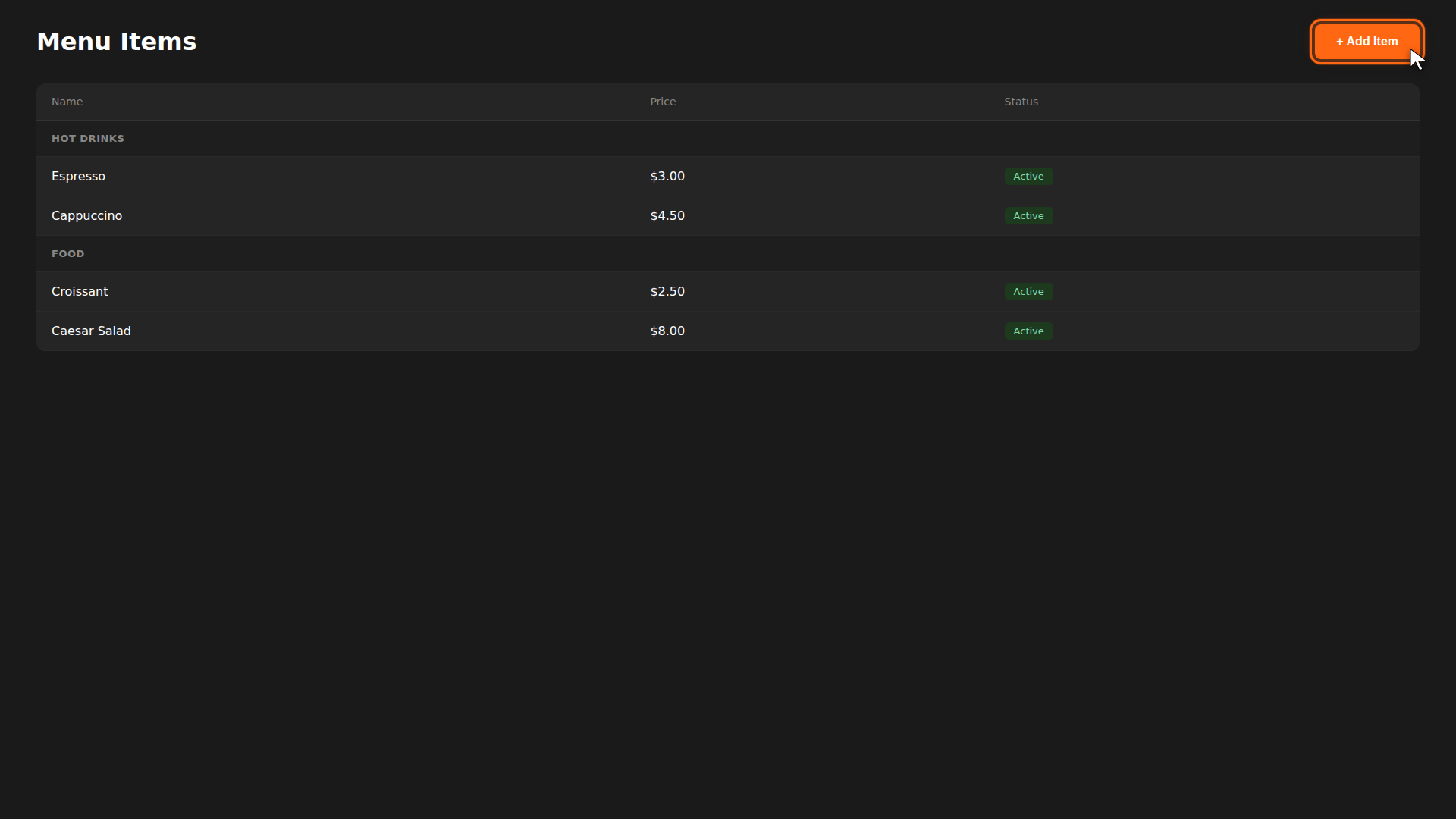
Menu items are what your customers see and order. Each item has a name, price, and category. Here's how to add one.
Build it for real
Ready to build it?
Opens the right CRM screen with this help page attached.
Reference
For full details on categories, options, and extras, see Adding Items, Categories, and Options & Extras.