Create an Option Group
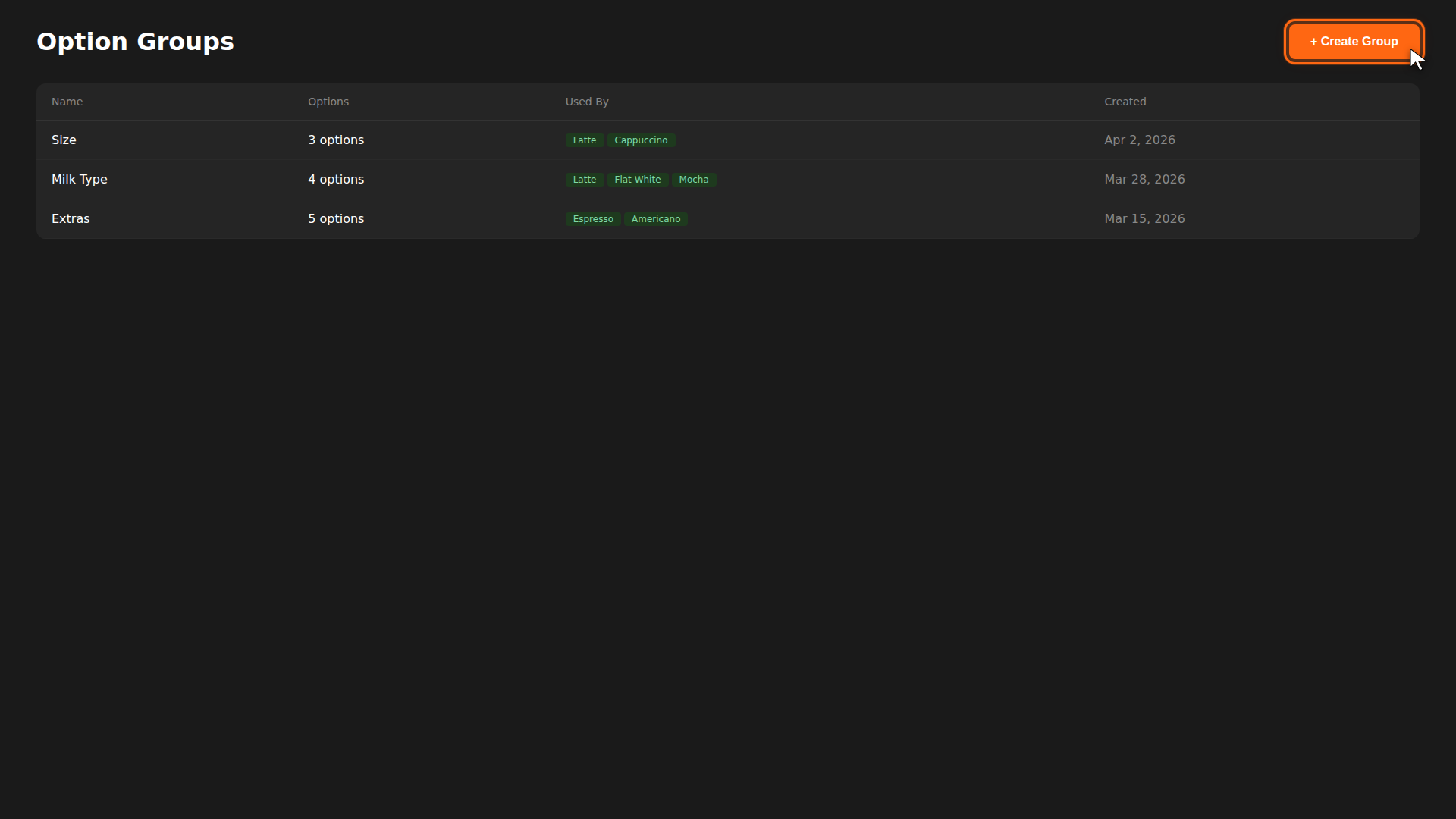
Option groups let you define reusable sets of choices — like sizes, milk types, or extras — that you can attach to any menu item. Create the group once, then reuse it across your menu.
Build it for real
Ready to build it?
Opens the right CRM screen with this help page attached.
Reference
For attaching option groups to menu items, see Add a Menu Item. For full details on options and extras, see Options & Extras.