Set Up a Service Point
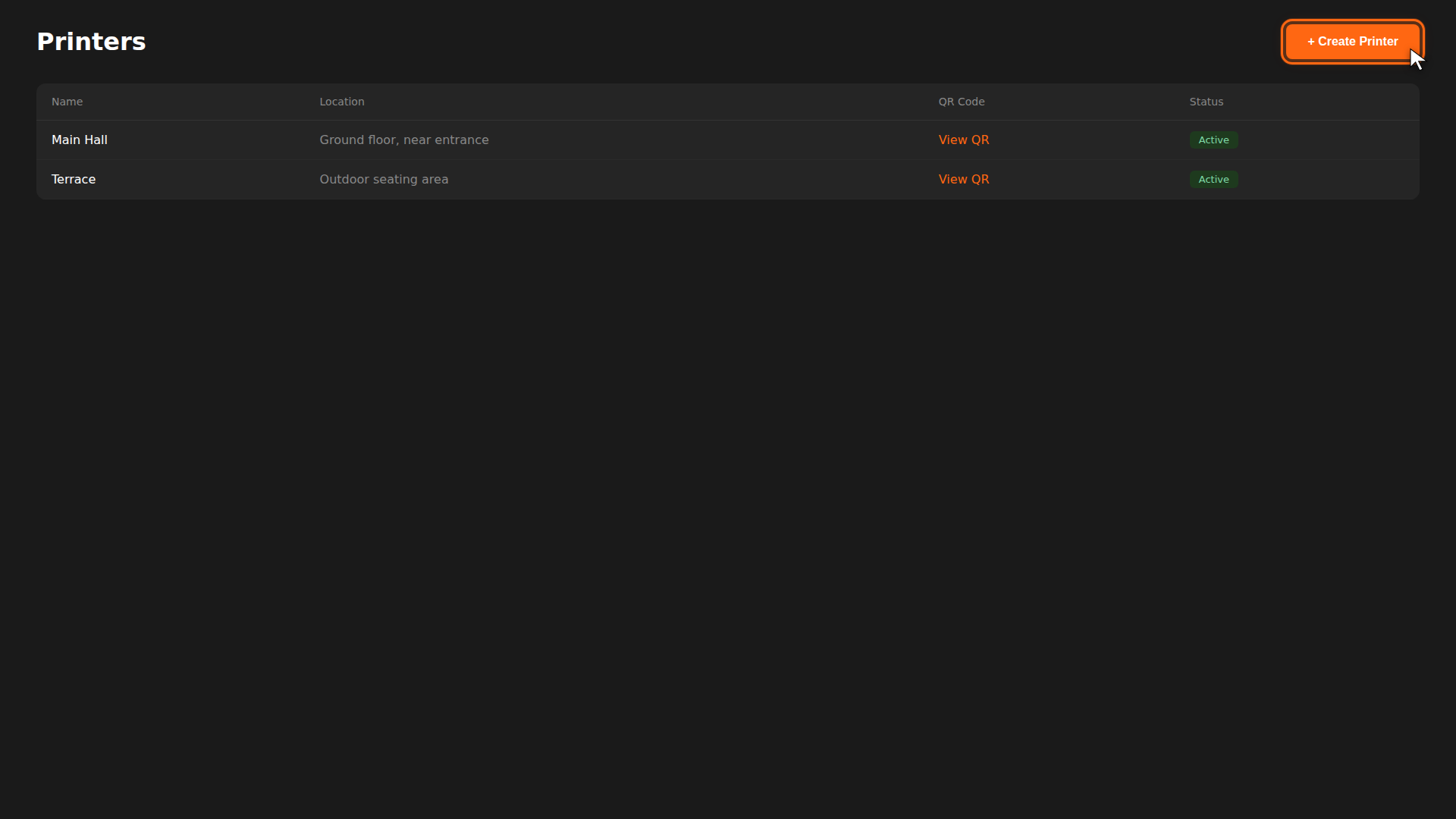
In OtoPoint, a service point is a physical location (table, counter, pickup window) where customers scan a QR code to open the menu and start ordering. Each service point gets its own unique QR code that you print and place at that location.
This page is a hands-on walkthrough for creating and printing your first QR codes. For the full field reference, zones, and troubleshooting, see Service Point Setup.
Build it for real
Ready to build it?
Opens the right CRM screen with this help page attached.