Create a Promo Story
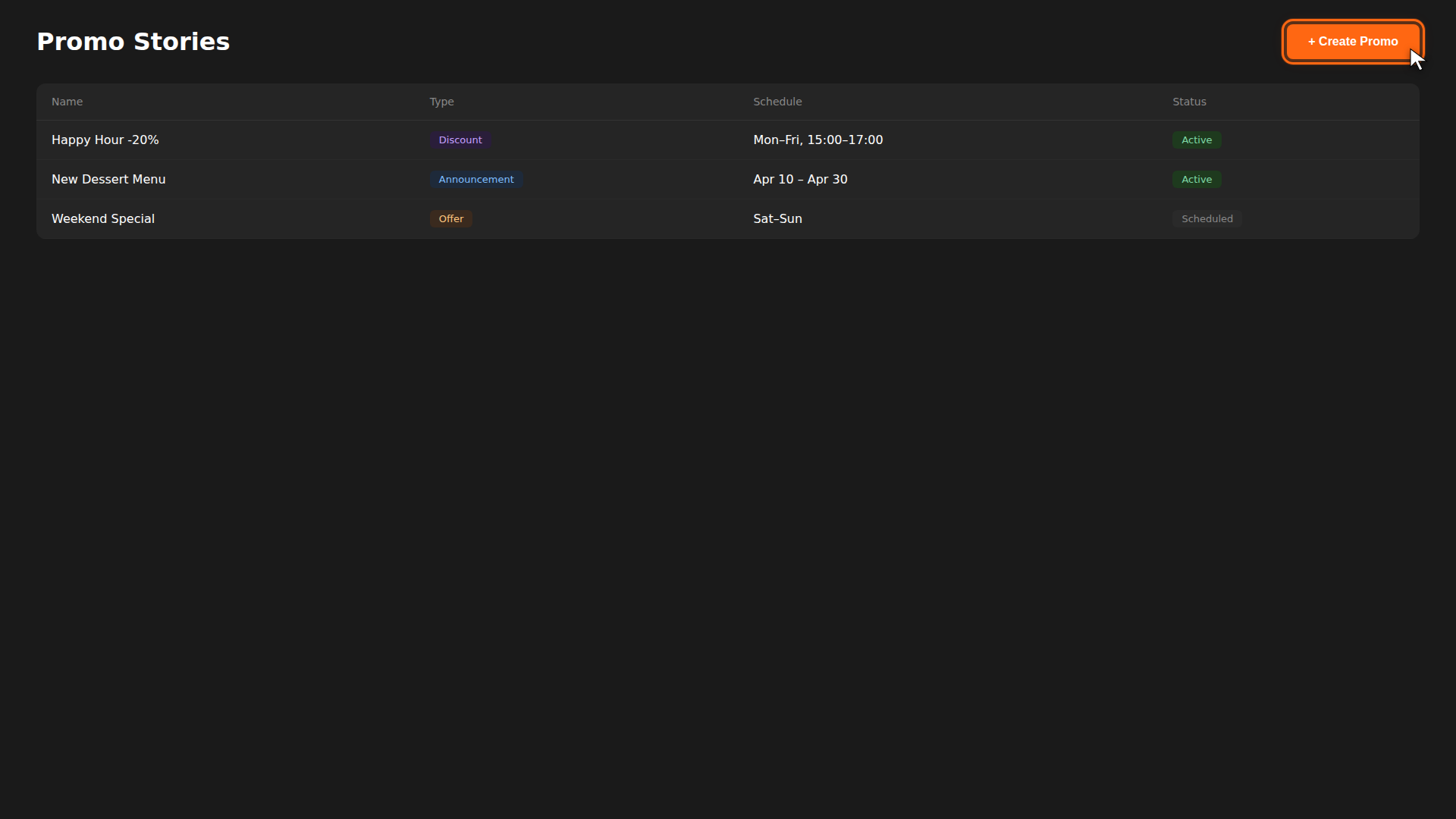
Promo stories let you showcase deals, new menu items, or time-limited offers directly in your customers' app feed. Here's how to create one.
Build it for real
Ready to build it?
Opens the right CRM screen with this help page attached.
Reference
For full details on promo types and scheduling options, see the Promo Stories Reference.