Configure the Points System
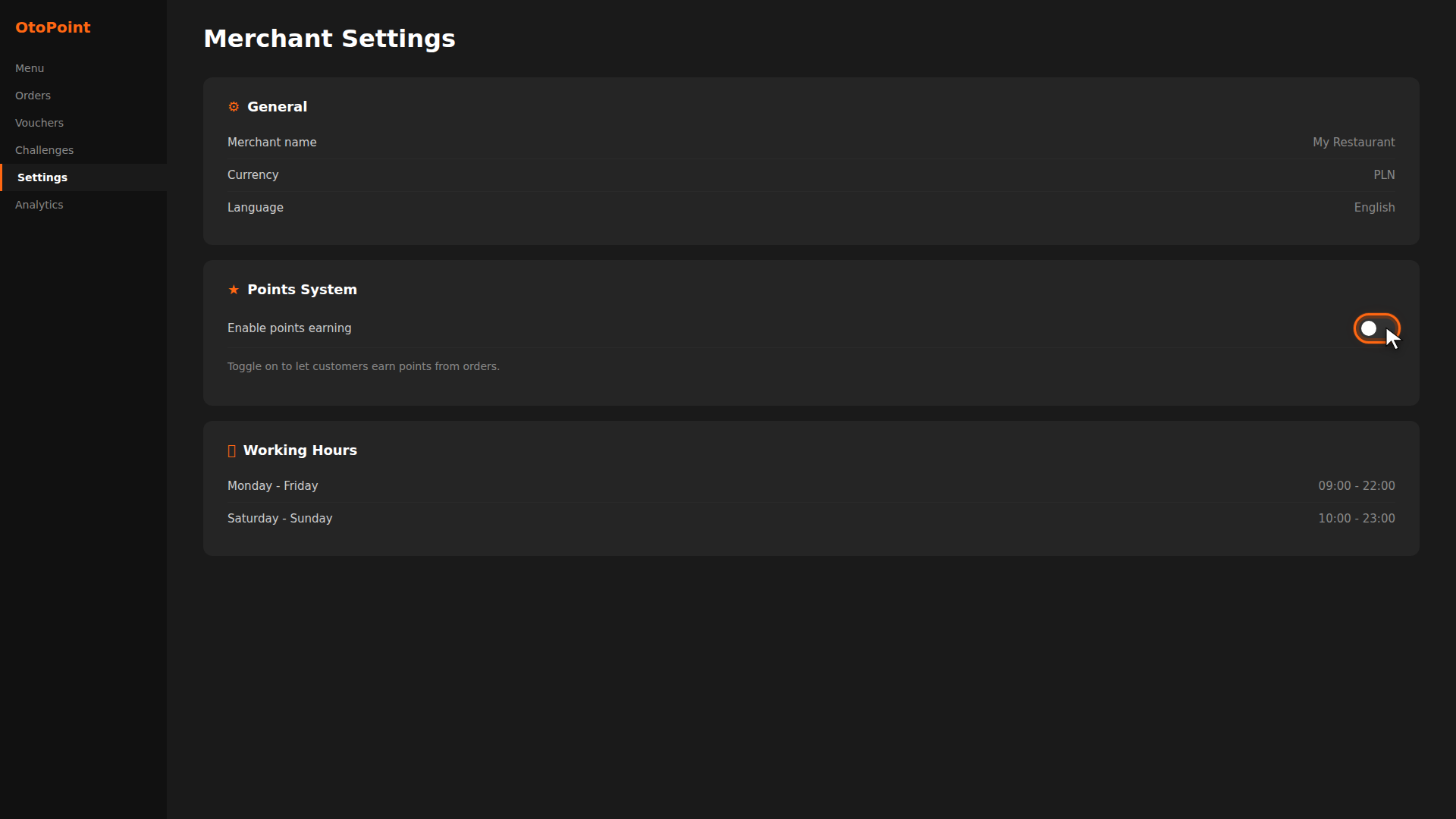
Points are the currency of your loyalty program. Customers earn points automatically from orders, then spend them on vouchers and surprise boxes. Here's how to turn it on and configure the rules.
Build it for real
Ready to build it?
Opens the right CRM screen with this help page attached.
Reference
For full details, see the Points System Reference.